
IPTV (Internet Protocol Television) has transformed how we consume entertainment, replacing traditional cable and satellite with flexible, on-demand streaming. Whether you’re cord-cutting or upgrading your setup, choosing the right IPTV player is essential to maximize your viewing experience.
This guide explores the top 5 IPTV players of 2025, covering platforms, features, compatibility, and tips to help you pick the perfect one.
📺 What is an IPTV Player & Why Do You Need One?
IPTV players are applications that stream live TV, movies, sports, and on-demand content using an IPTV subscription. While your IPTV provider supplies the channel content, the player is what makes streaming possible—handling playlists, EPGs (TV guides), and layout customization.
🎯 Key Functions of an IPTV Player:
- Plays IPTV streams (M3U, Xtream Codes, etc.)
- Displays Electronic Program Guides (EPG)
- Organizes channels and categories
- Supports features like catch-up, VOD, multi-screen
To get started, you’ll need:
- An active IPTV subscription (like TVPrime8K.com)
- A compatible device (Android TV, Firestick, iPhone, etc.)
- One of the IPTV players listed below
✅ The 5 Best IPTV Players in 2025
1. TiviMate
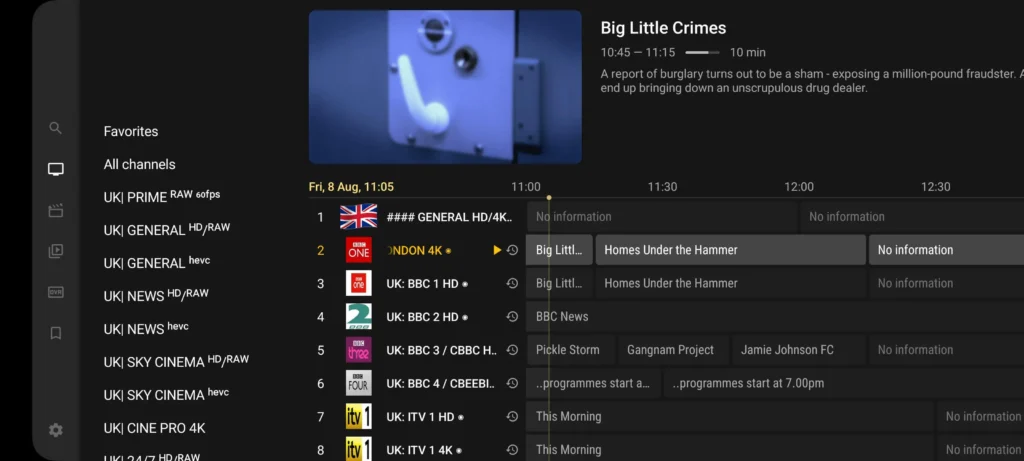
- Platform: Android TV, Firestick
- Why It’s Great: TiviMate is a favorite among Android users due to its sleek, cable-like interface, multi-playlist support, and EPG integration. The premium version unlocks features like catch-up TV, channel sorting, and favorites.
Best For: Android users who want a full-featured, intuitive IPTV experience.
2. IPTV Smarters Pro
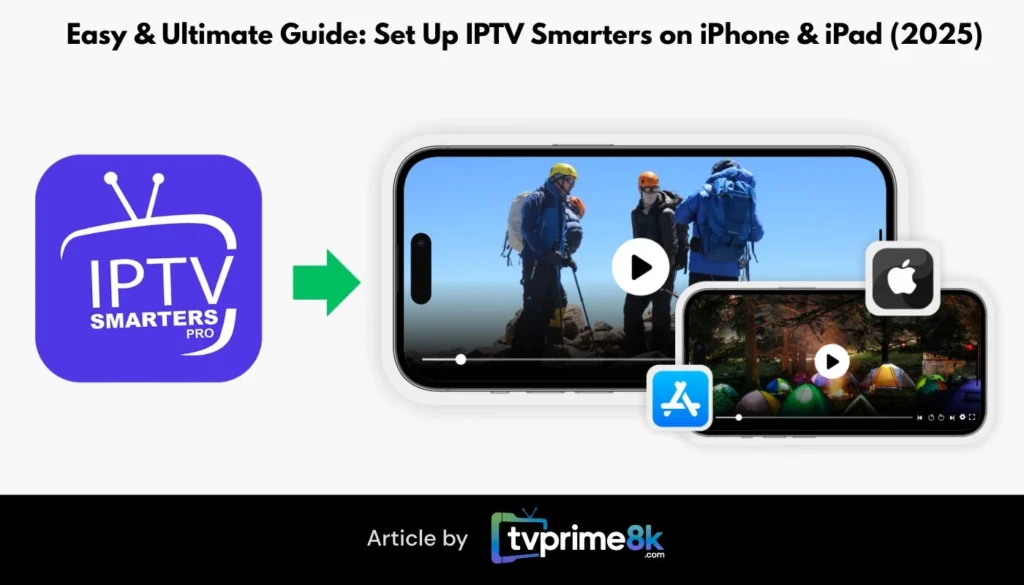
- Platform: Android, iOS, Windows, macOS, Firestick
- Why It’s Great: IPTV Smarters Pro supports multiple platforms and logins (Xtream Codes, M3U). It offers multi-screen viewing, parental controls, built-in EPG, and catch-up.
Best For: Users who stream on multiple devices and want an all-in-one solution.
📱 Want to install it on iPhone or iPad? Check out our guide:
👉 How to Set Up IPTV Smhttps://tvprime4k.de/setup-iptv-smarters-iphone-ipad-2025/arters on iPhone & iPad
3. IBO Player Pro
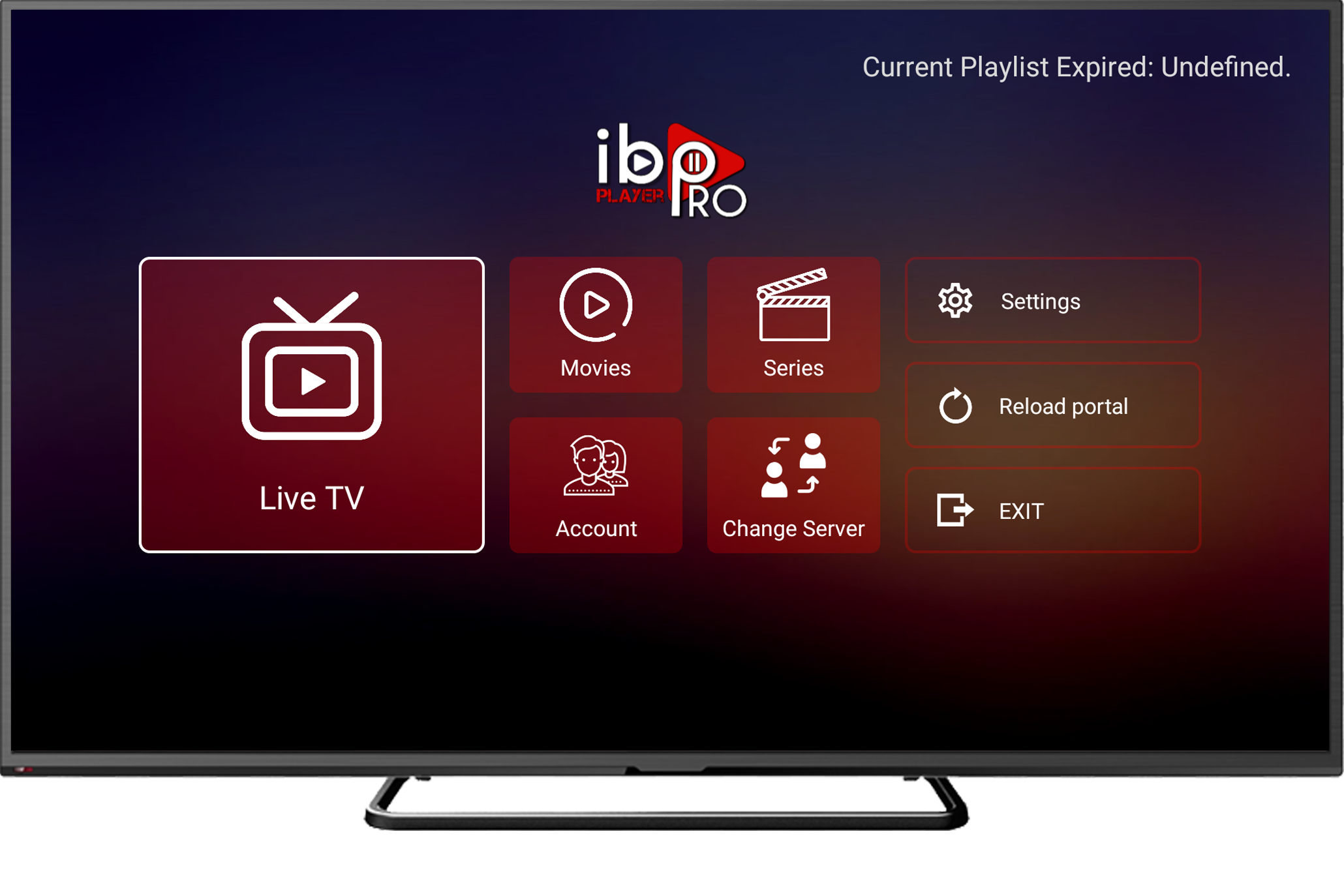
- Platform: Android, iOS, macOS, Smart TVs, Firestick
- Why It’s Great: IBO Player Pro is known for its cross-platform functionality and polished UI. It supports EPG, parental controls, and even Chromecast. It’s easy to activate and doesn’t require sideloading.
Best For: Smart TV users and anyone looking for a modern, cloud-synced IPTV app.
4. Kodi
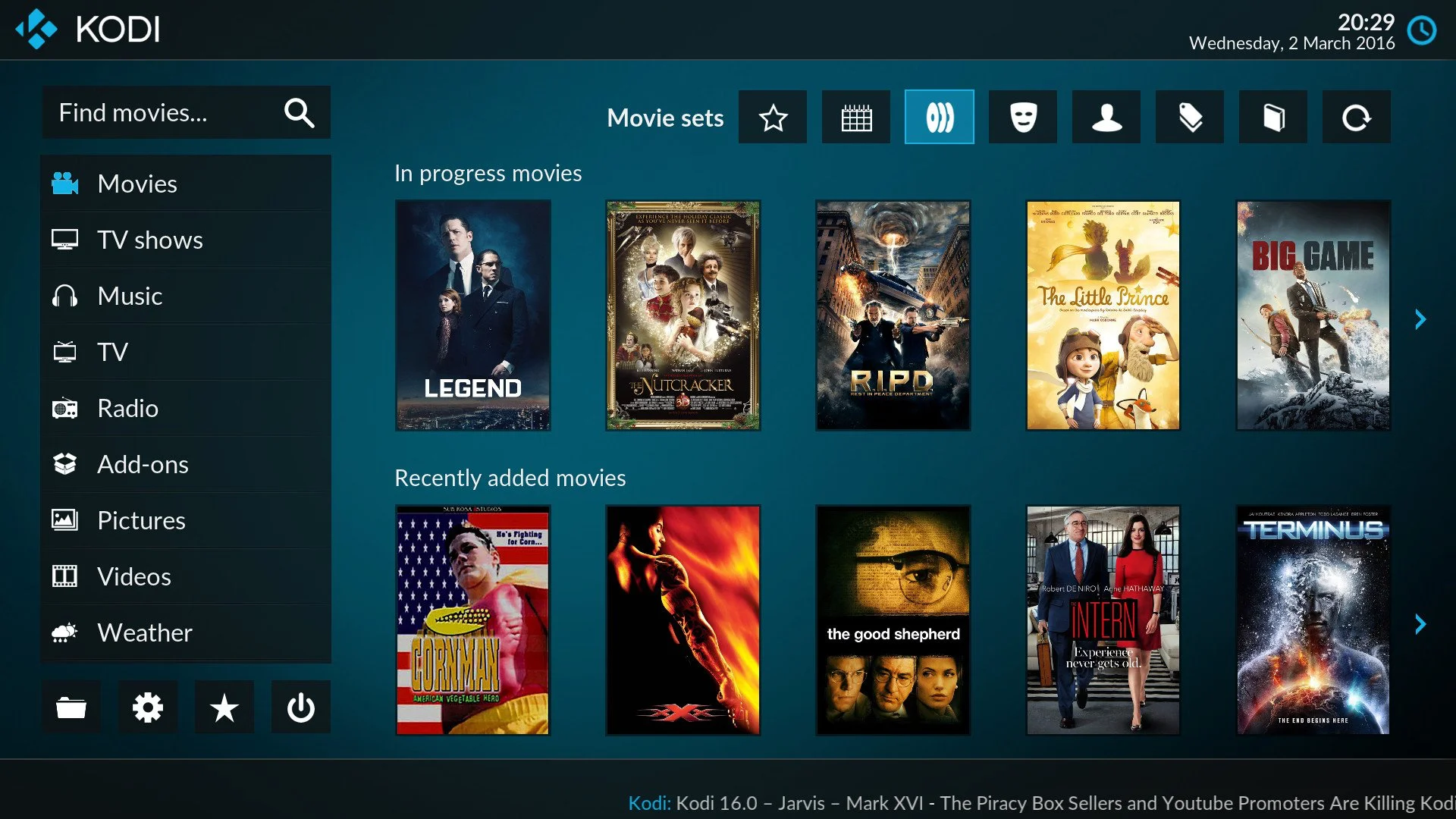
- Platform: Android, iOS, Windows, macOS, Linux, Firestick
- Why It’s Great: Kodi is an open-source media player that can become a powerful IPTV hub using add-ons. It supports playlists, EPGs, and full customization.
Best For: Tech-savvy users who want to tweak and personalize every part of their IPTV experience.
📘 Learn how to install IPTV on Kodi:
👉 Kodi Wiki – IPTV Integration Guide
5. GSE Smart IPTV
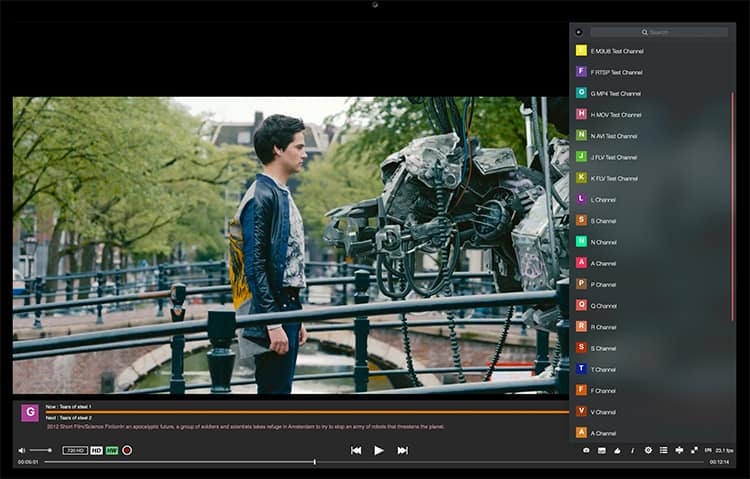
- Platform: Android, iOS
- Why It’s Great: Though less flashy, GSE Smart IPTV is lightweight, supports M3U/JSON, and includes EPG and parental controls. It’s easy to install from the App Store and works well on mobile devices.
Best For: iPhone/iPad users who prefer a straightforward, no-frills player.
🤔 How to Choose the Right IPTV Player
| Factor | What to Look For |
|---|---|
| Device Support | Compatible with your OS (Android, iOS, Windows, etc.) |
| Features | EPG, multi-screen, catch-up, VOD, parental controls |
| Interface | Easy-to-use layout with fast navigation |
| Streaming Quality | 4K/UHD support with smooth playback |
| Subscription Compatibility | Works well with services like TVPrime8K |
🔐 Bonus Tip: Get a Reliable IPTV Subscription
Even the best IPTV player is useless without a solid IPTV source. For a stable, 4K-quality IPTV experience, try TVPrime8K, which offers:
- ✅ 30,000+ Live Channels
- ✅ 150,000+ Movies & Series
- ✅ Free 24-Hour Trial
- ✅ 4K/UHD Streaming
- ✅ Multi-device support
👉 Get started at TVPrime8K.com
📲 WhatsApp Support: +44 7888 892117
📧 Email: support@tvprime8k.com
🙋♂️ FAQs
1. Are IPTV players free?
Most are free to download, but some (like TiviMate) offer premium features via in-app purchase.
2. Can I use these players on Smart TVs?
Yes! IBO Player Pro and GSE Smart IPTV are perfect for Smart TVs.
3. What’s better: Xtream Codes or M3U?
Xtream Codes is more secure, loads faster, and includes EPG automatically.
4. Do I need VPN for IPTV?
Using a VPN is recommended for privacy and to bypass geo-restrictions.
5. Can I use the same IPTV player on multiple devices?
Yes, but check your IPTV provider’s multi-device policy.
🏁 Final Thoughts
Choosing the right IPTV player is the key to unlocking a smooth, enjoyable streaming experience. Whether you’re on Android, iOS, or a Smart TV, the options above cover every device and preference.
Pair your player with a premium IPTV provider like TVPrime8K.com to experience the best of what IPTV has to offer—live TV, movies, and series in high definition, delivered without buffering.
